Before contacting us
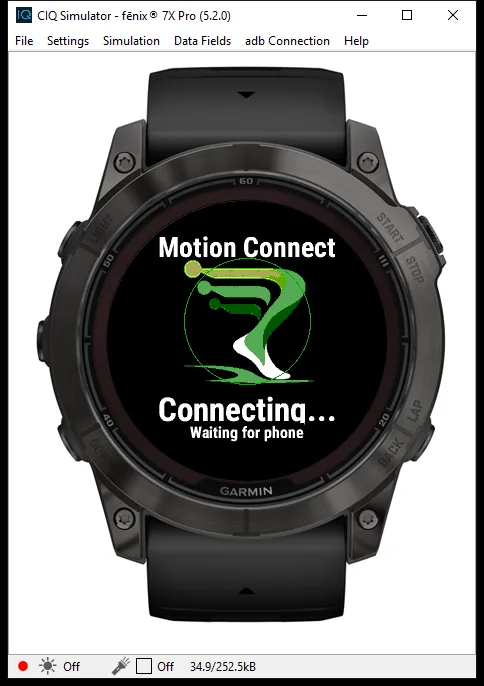
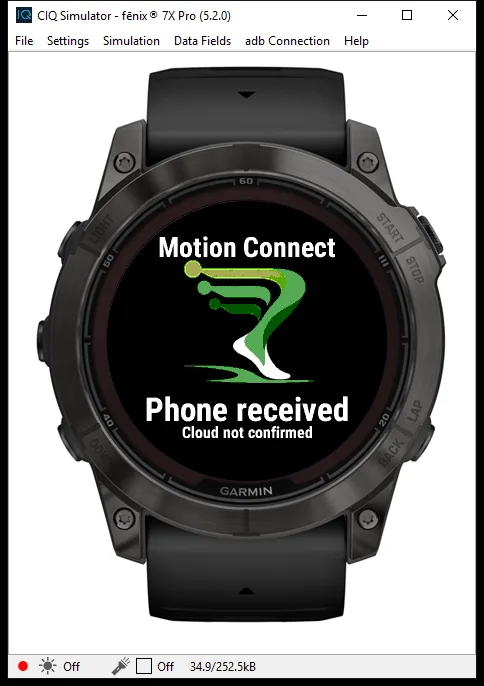
Check that Garmin Connect can see your intended watch, Bluetooth is on, and Motion Connect is added to the activity’s data screen. Start the activity timer on your watch. For an initial test, keep Motion Relay open on your phone.
Phone reception and assistant authorization are separate steps. An assistant connection does not establish that new workout readings are arriving. Check the update time before relying on an answer. Background reception has not been verified for this preview.
Watch and phone setup
Contact
Email the business contact with the subject “Motion Relay support.” Include your phone platform, watch model, app version and a short description of the problem. Do not send credentials, invitation codes, private health details, raw watch packets or precise location. Remove personal information from any screenshot you choose to send.
Support is handled by the owner of Netherwood Data Partners, LLC. No response-time or around-the-clock support guarantee is offered.
contact@NetherwoodDataPartners.com
Privacy and account requests
Use the privacy policy and deletion instructions for data questions and account requests. Lost app access does not establish account ownership; support cannot delete by nickname alone.
Privacy
Account and data deletion
Terms
Emergencies
Motion Relay is not an emergency service or medical monitor. Stop activity and seek appropriate help for an emergency or alarming symptoms. Do not wait for an email response.